
Table of Contents
Introduction
You know that feeling when you’re scrolling through Facebook and stumble across someone selling exactly what you’ve been looking for? Or maybe you’ve got a closet full of stuff you never use anymore, just sitting there taking up space. That’s where Facebook Marketplace comes in—and trust me, once you figure it out, it’s pretty amazing.
Here’s the thing: millions of people are already using Facebook Marketplace to buy and sell everything from vintage furniture to barely-used baby clothes. It’s basically turned into this massive digital garage sale that never ends. Whether you’re trying to declutter your house, hunt down a good deal, or even test the waters with a small business idea, knowing how to work this platform can save you money and make you some too. (And if you’re thinking bigger picture, understanding how to start an Etsy shop can be a great next step for your selling journey.)
Now, before you dive headfirst into listing everything you own, it helps to understand what you’re working with. Facebook Marketplace isn’t just some random feature—it’s actually a pretty sophisticated e-commerce platform. Getting familiar with what an e-commerce platform is gives you the foundation to really make this work for you. Plus, once you nail the basics of profile setup, browsing, and managing your listings, you’re not just ready for Marketplace—you’re building skills for the entire digital selling world. Speaking of which, checking out some proven e-commerce marketing strategies can seriously boost your success rate.
But let’s talk about the elephant in the room: safety. Yeah, meeting strangers from the internet to exchange money and goods can feel sketchy. The good news? There are smart ways to handle this. We’re talking secure payment methods, safe meetup spots, and red flags that’ll help you spot scams from a mile away. When you know what you’re doing, buying and selling becomes way less stressful and way more profitable.
What You’ll Learn in This Guide
This guide covers everything you need to know about Facebook Marketplace—from “how do I even find this thing?” to advanced tips that’ll make you look like a pro.
- Marketplace Overview and Access: We’ll start with the basics—what Facebook Marketplace actually is and how to find it on your phone, tablet, or computer. Plus, we’ll walk you through setting up your account so you’re ready to jump in.
- Effective Browsing and Searching: Learn how to actually find what you’re looking for (instead of getting lost in endless scrolling), use filters like a pro, save stuff for later, and follow sellers who consistently have good deals.
- Listing and Selling Items: The step-by-step process for creating listings that actually get attention—good photos, descriptions that sell, and how to handle all those “is this still available?” messages without losing your mind.
- Safety and Payment Guidance: Real talk about staying safe when you meet up with buyers or sellers, how to spot and avoid scams, and which payment methods actually protect you.
As we go deeper into each topic, you’ll get practical tips that come from real experience—not just theory. And if you’re already thinking about expanding beyond Facebook, we’ll touch on resources like building an e-commerce site for when you’re ready to level up.
Whether you’ve never sold anything online before or you’re looking to up your game, this guide has you covered. You’ll learn how to use Marketplace’s tools to reach more people, avoid the mistakes that trip up most beginners, and turn what can be a frustrating process into something that actually works smoothly.
Ready to turn your Facebook time into something more productive? By the time you’re done here, you’ll know exactly how to navigate Marketplace like you’ve been doing it for years. Let’s jump in and see what this platform can really do for you.
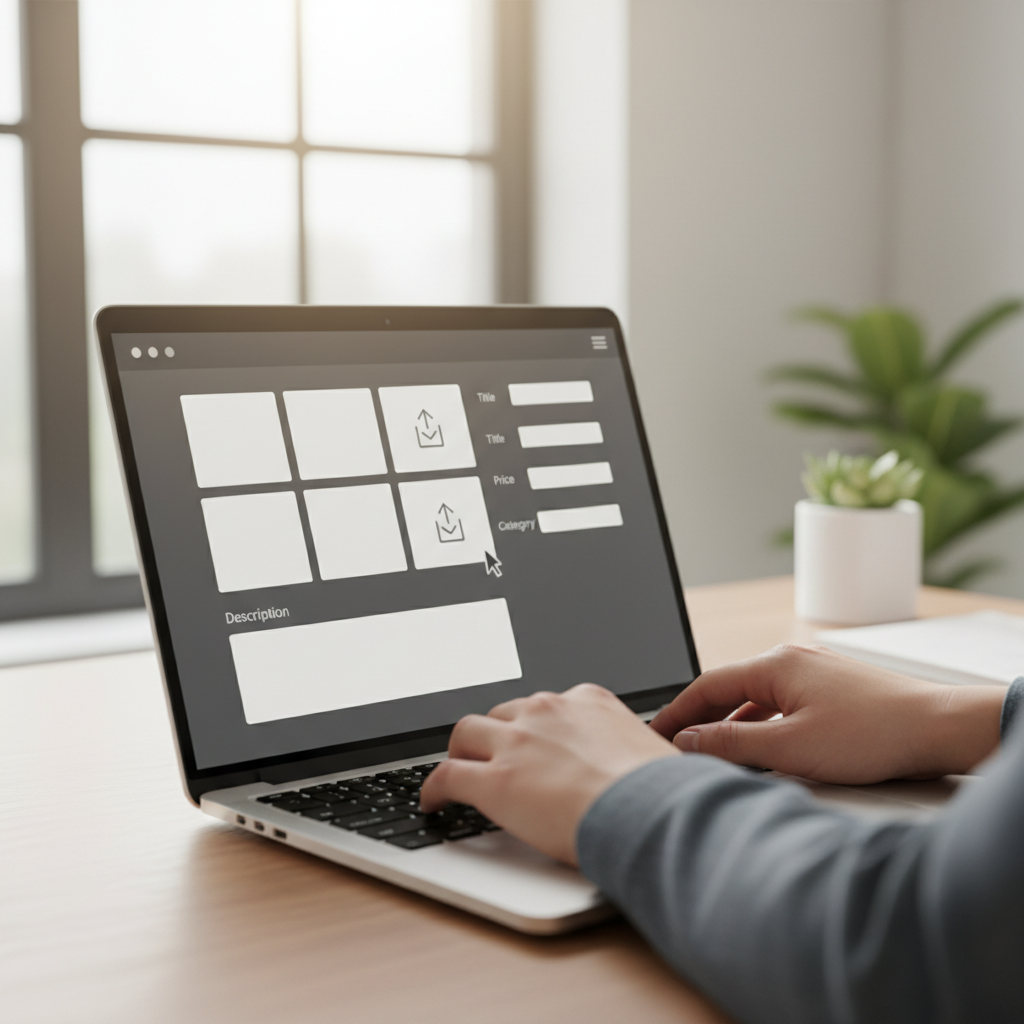
Facebook Marketplace has quietly become one of the best places to buy and sell just about anything online. What makes it special? It’s right there in your Facebook app—no need to download yet another app or create a new account somewhere else. You’re connecting with real people in your area (or beyond, if you want), and there’s something reassuring about seeing someone’s actual Facebook profile before you do business with them. Whether you’re decluttering your house, hunting for a great deal on furniture, or starting a side hustle, Marketplace offers that perfect sweet spot between convenience and community. We’re going to walk through everything you need to know to use Facebook Marketplace like a pro—from the basics of setting up your profile to mastering the art of safe, successful transactions. Think of this as your friendly crash course in becoming a Marketplace power user.
Getting Started and Navigating the Facebook Marketplace Ecosystem
Alright, let’s start with the basics. Finding Facebook Marketplace is easier than you might think, but there are a few tricks that’ll make your life simpler. On your phone, look for that little shopping bag icon—it’s usually hanging out in your navigation bar. On desktop? Check the left sidebar of your Facebook homepage. Once you’re in, you’ll want to get your profile looking good because, let’s be honest, people are going to check you out before they buy from you.
Here’s something most people don’t realize: your Marketplace success starts with how you set up your profile. A complete profile with a clear photo and some basic info builds instant trust. It’s like having a firm handshake in the digital world. You’ll also want to dive into your privacy settings—not because you’re being paranoid, but because smart boundaries keep things smooth. Control who can see what, set up your communication preferences, and customize those notification settings so you don’t get pinged every five minutes.
Getting comfortable with the search and filter tools is where the magic happens. You can narrow down by price, condition, location—basically everything that matters when you’re looking for something specific. Save searches for items you’re hunting for, bookmark listings you’re considering, and don’t forget to check back regularly because good deals move fast on Marketplace.
Key Aspects of Getting Started and Navigation
Here are the essential things to nail when you’re getting started:
- Access Points: Know where to find Marketplace on whatever device you’re using. On the app, it’s that shopping bag icon in your navigation. On desktop, look for it in the left sidebar. Getting there quickly means you won’t miss out on time-sensitive deals.
- Profile Setup: Fill out your profile completely—photo, contact info, the works. People want to know they’re dealing with a real person, not some sketchy account. A solid profile can be the difference between making a sale and getting ignored.
- Privacy and Security Settings: Take control of what people can see about you. You want to be approachable without oversharing. Set boundaries on who can contact you and what information is visible to keep things professional and safe.
- Search and Filter Tools: Master these filters and you’ll save yourself hours of scrolling. Set your price range, choose your preferred condition, adjust location settings—whatever helps you find exactly what you’re looking for without the noise.
Once you’ve got these fundamentals down, you’re ready to tackle the next level: creating listings that actually sell and keeping yourself safe while doing it. Trust me, there’s a real art to this stuff.
Mastering Listing Creation and Safety Practices on Facebook Marketplace
Now we’re getting to the good stuff—creating listings that people actually want to buy from. The difference between a listing that sits there forever and one that sells quickly often comes down to three things: great photos, honest descriptions, and smart pricing. Think about it from a buyer’s perspective. You’re scrolling through dozens of similar items—what makes you stop and click?
Photos are your first impression, so make them count. Take multiple shots from different angles, use good lighting (natural light is your friend), and show any flaws honestly. People appreciate transparency, and it saves everyone time. Your description should tell the story of the item—where you got it, why you’re selling it, what condition it’s really in. And pricing? Do a little homework. Check what similar items are selling for, then decide if you want to price to move or leave room for negotiation.
But here’s where things get real: safety has to be your top priority. Most Marketplace interactions are perfectly fine, but you need to be smart about it. Meet in public places during daylight hours. Bring a friend if your gut tells you to. Trust those instincts—if something feels off, it probably is. For payments, cash is still king for local transactions, but Facebook Pay is becoming more popular for its convenience and built-in protections.
Key Aspects of Listing Creation and Safety
Focus on these crucial elements when creating listings and staying safe:
- Photo Quality and Clarity: Take photos like you’re trying to sell the item to your best friend—show everything, including any scratches or wear. Good photos get more views, more questions, and more sales. It’s that simple.
- Detailed, Accurate Descriptions: Be the seller you’d want to buy from. Include dimensions, brand names, any history that matters, and honest condition notes. Over-communicating beats dealing with disappointed buyers later.
- Price Competitively and Clearly: Research what similar items are actually selling for (not just what people are asking). Decide if your price is firm or negotiable, and say so upfront. It saves everyone time and prevents awkward back-and-forth.
- Safe Meeting Practices: Stick to busy, public places for meetups—parking lots of popular stores work great. Bring backup if your instincts say to. Share your plans with someone who cares about you. Basic precautions that keep things smooth and safe.
Getting comfortable with these practices takes time, but once you do, Facebook Marketplace becomes this incredibly useful tool for both buying and selling. You’ll develop your own system, build up positive reviews, and maybe even discover it’s more fun than you expected. The key is starting with good habits and staying smart about safety—everything else falls into place from there.

Facebook Marketplace has become something pretty special—a place where convenience meets community, and honestly? It’s changed how we buy and sell stuff locally (and beyond). Whether you’re a complete newbie or someone who’s dabbled before, jumping in is surprisingly straightforward. The platform gives you everything you need for smooth transactions, and we’ve covered the essentials: building a profile that people actually trust, mastering those search filters that’ll save you hours, and creating listings that practically sell themselves. Quality photos, honest descriptions, smart pricing—these aren’t just nice-to-haves, they’re your ticket to faster sales and happier buyers. And let’s not forget the safety stuff, because that matters more than anything. Secure meetups, spotting scams before they spot you, and choosing payment methods that protect everyone involved.
Here’s the thing about getting started—it’s easier than you think. With the right approach, Marketplace becomes this incredibly useful tool for decluttering your space, snagging great deals, or even growing a side business. A complete profile? That’s your trust-building foundation right there. Those search filters we talked about? They’re absolute game-changers for finding exactly what you want without wading through endless irrelevant posts. When you’re listing something, remember this: clear photos and detailed descriptions aren’t just helpful—they’re what separate successful sellers from everyone else. Safety-wise, stick to public spots for meetups and use Facebook Pay or good old-fashioned cash. Trust me, these simple practices make all the difference. And when things go sideways (because sometimes they do), knowing how to reach Facebook support keeps you covered.
Ready to take your selling game to the next level? You might want to explore how to start an Etsy shop if you’re thinking about expanding beyond local sales. For bigger picture strategies that can seriously boost your success, check out our guide on e-commerce marketing strategies—it’s packed with ways to attract and keep customers coming back. Thinking about your own online store? Our step-by-step resource on how to build an e-commerce site walks you through everything from setup to growth. And here’s something smart sellers often overlook: financial stability. While you’re building your online selling presence, consider checking out how to build an emergency fund for practical tips on maintaining financial security as you grow.
Bottom line? Facebook Marketplace offers something pretty powerful—an accessible platform where you can buy and sell with confidence, whether you’re just clearing out closets or building something bigger. You’ve got the knowledge now, plus resources to keep learning and growing. The key is staying proactive: keep your profile fresh, apply what you’ve learned about smart selling, and never compromise on safety. Want to dive deeper into e-commerce? We’ve got plenty more guides waiting for you. Remember, every successful seller started with that first listing. Why not make today the day you take that step and see what Marketplace can do for you?
Frequently Asked Questions
-
Is Facebook Marketplace free to use?
- Yes, listing and browsing on Facebook Marketplace is generally free, though some services may charge fees.
-
How do I report a scam or suspicious activity?
- You can report through the Marketplace listing or seller profile using the Facebook reporting tools.
-
Can I ship items to buyers outside my local area?
- Yes, Facebook offers shipping options on Marketplace for eligible sellers and items.
-
What payment methods are safe to use?
- Using Facebook Pay and in-person cash payments are common and generally safe.
-
How do I delete or edit a listing?
- You can manage your listings from your Marketplace profile by editing details or deleting the post.


